Drawing the pattern is the fun part. It's also the short part.
The rest is the three hours nobody counts. Testing the repeat. Hunting the seam that only shows up at 800%. Resizing for Spoonflower, then again for digital paper, then again for Instagram. Building mockups so people can see it on something real.
PatternPAL Pro does that part in your browser. Your art never gets uploaded.
Try Pro free for 3 daysWorks in your browser on a computer or iPad. Cancel anytime.
I used to lose whole days to this
I stopped counting how many patterns I designed and then never shipped because prepping them was a whole day of Photoshop.
The art was done. The prep wasn't.
Here's the thing.
The seam you can't see
It looks fine at 100%. Then it shows up on the finished product.
One file, every size
Spoonflower wants one size. Digital paper wants another. Instagram wants a third.
The mockup you never make
Nobody buys a pattern they can't already picture in their own house.
Then do it again
Twelve patterns in the collection? That's twelve rounds of all of it.
That's not a talent problem. That's a prep problem.
Your whole collection, prepped in one sitting
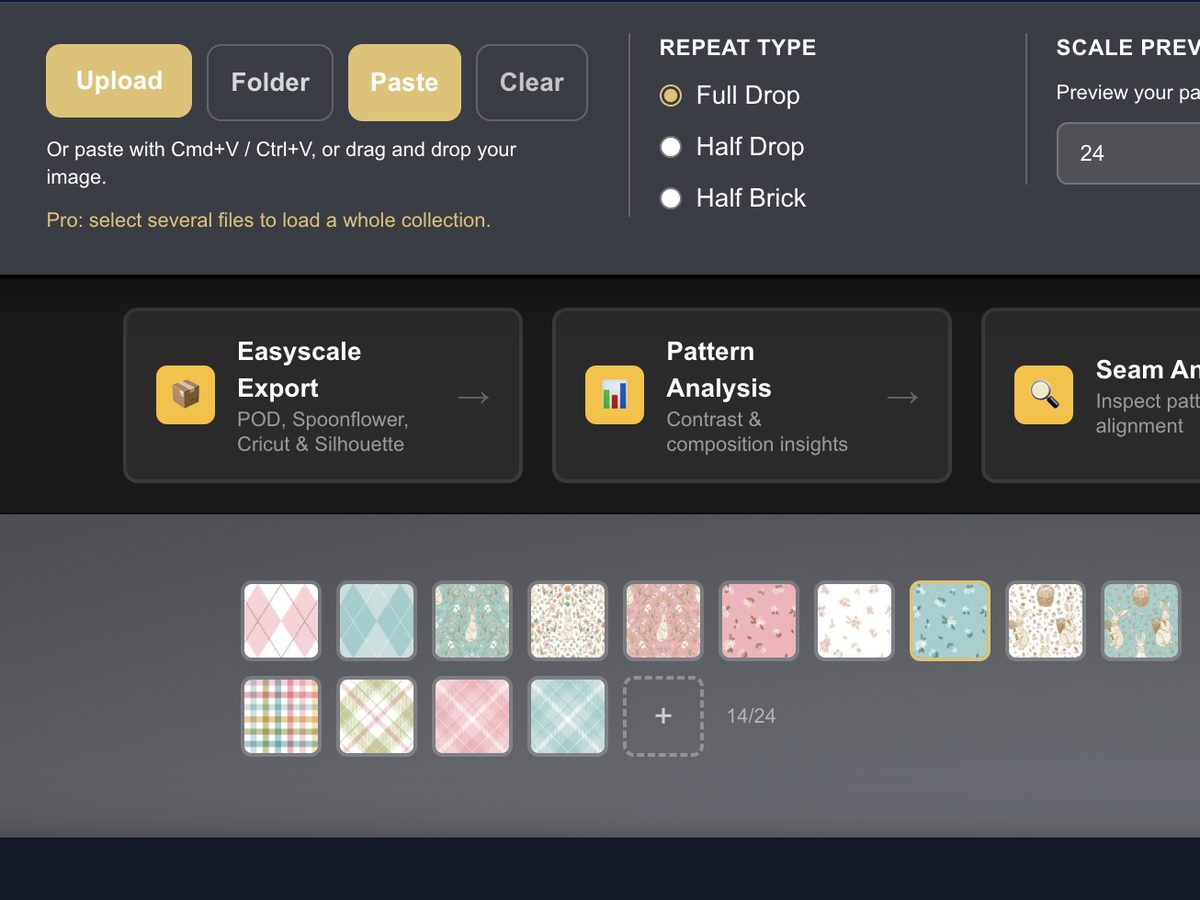
Load the whole collection.
Select every pattern when you upload instead of one at a time.
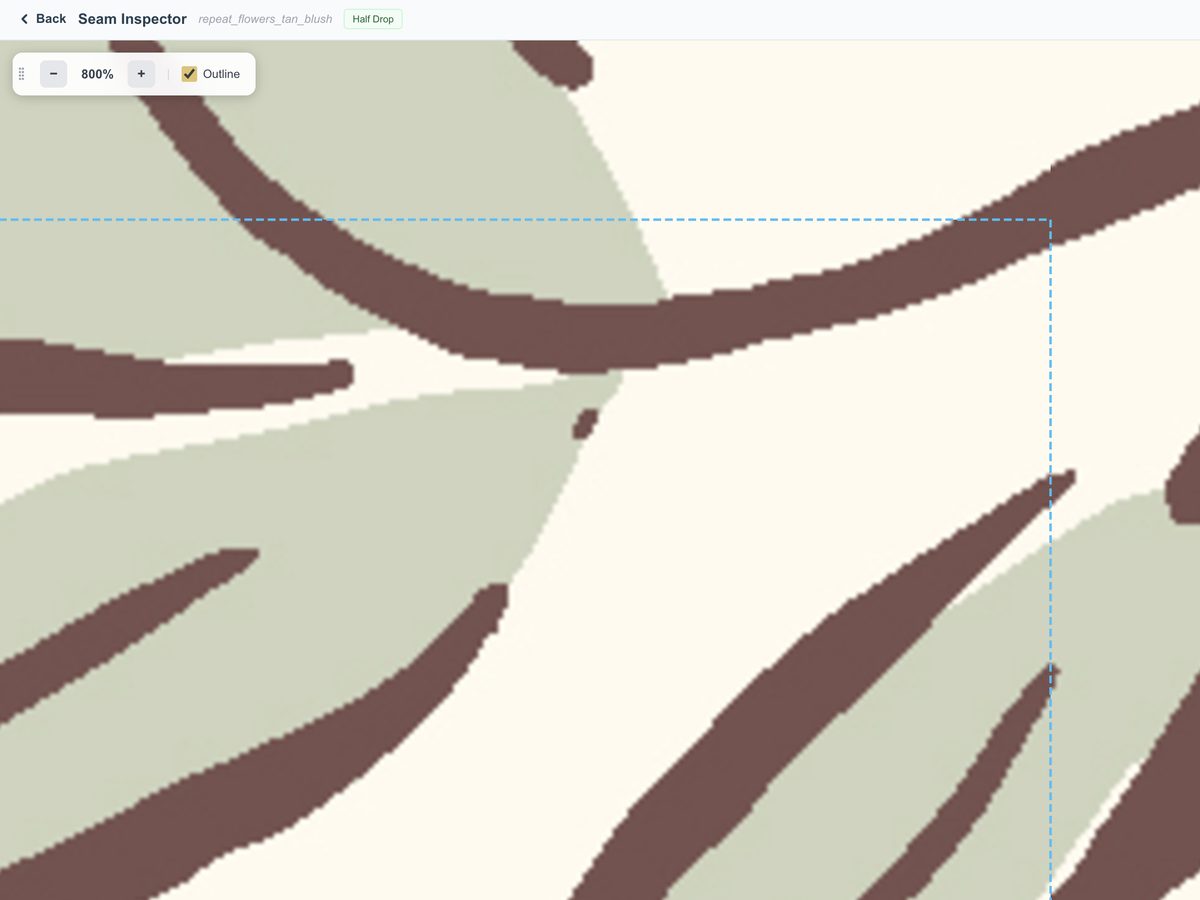
See your seams up close.
Tile your repeat in full drop, half drop or half brick. Then zoom in to 800% in Seam Inspector and look for yourself.
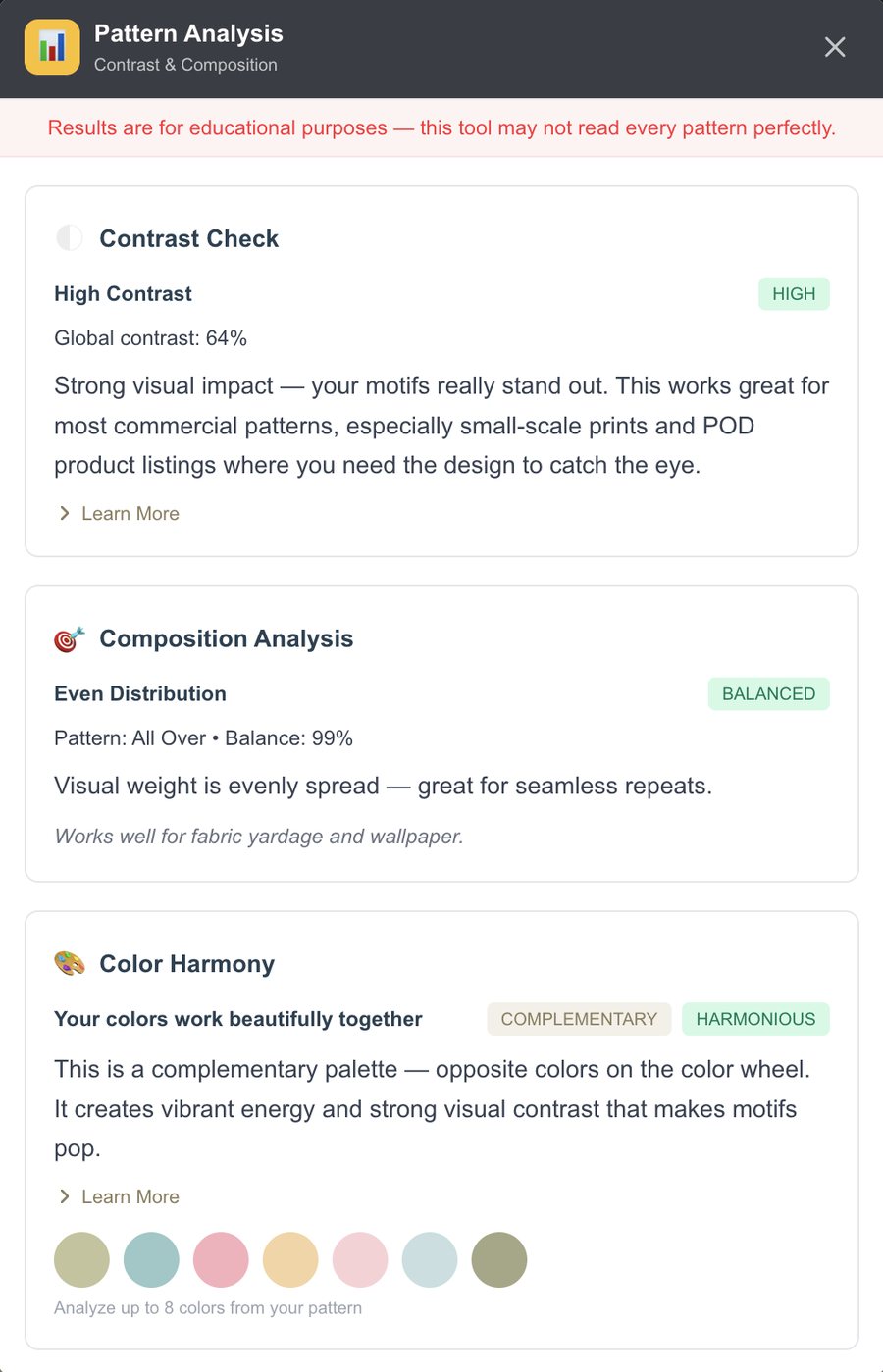
Get a second opinion on color.
Pattern Analysis reads your contrast, composition and color harmony, and points out colors that are fighting each other.
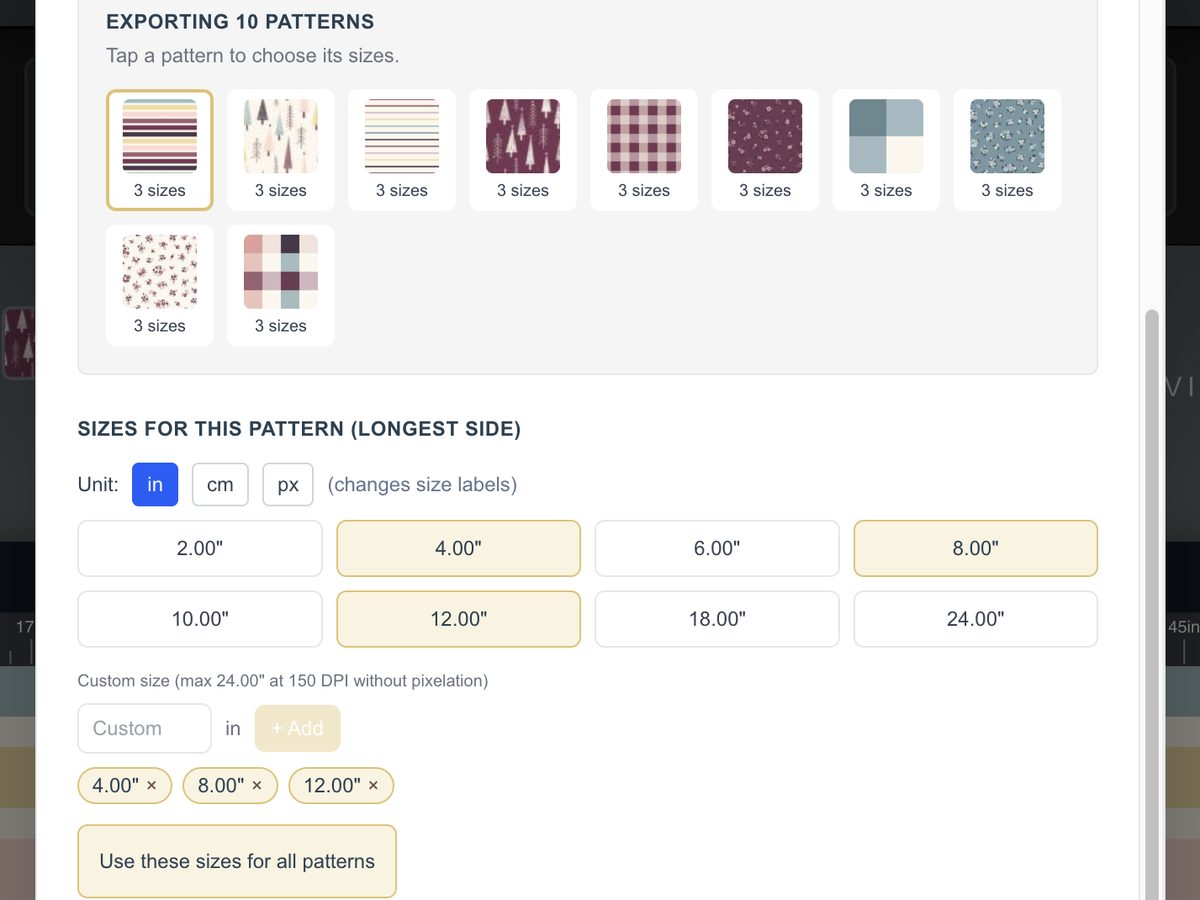
Size it once for everywhere.
Pick your sizes, hit "Use these sizes for all patterns," and the whole collection comes out in one zip. 150 or 300 DPI (300 needs a 300 DPI file). PNG, JPG or TIFF.
Put it on something real.
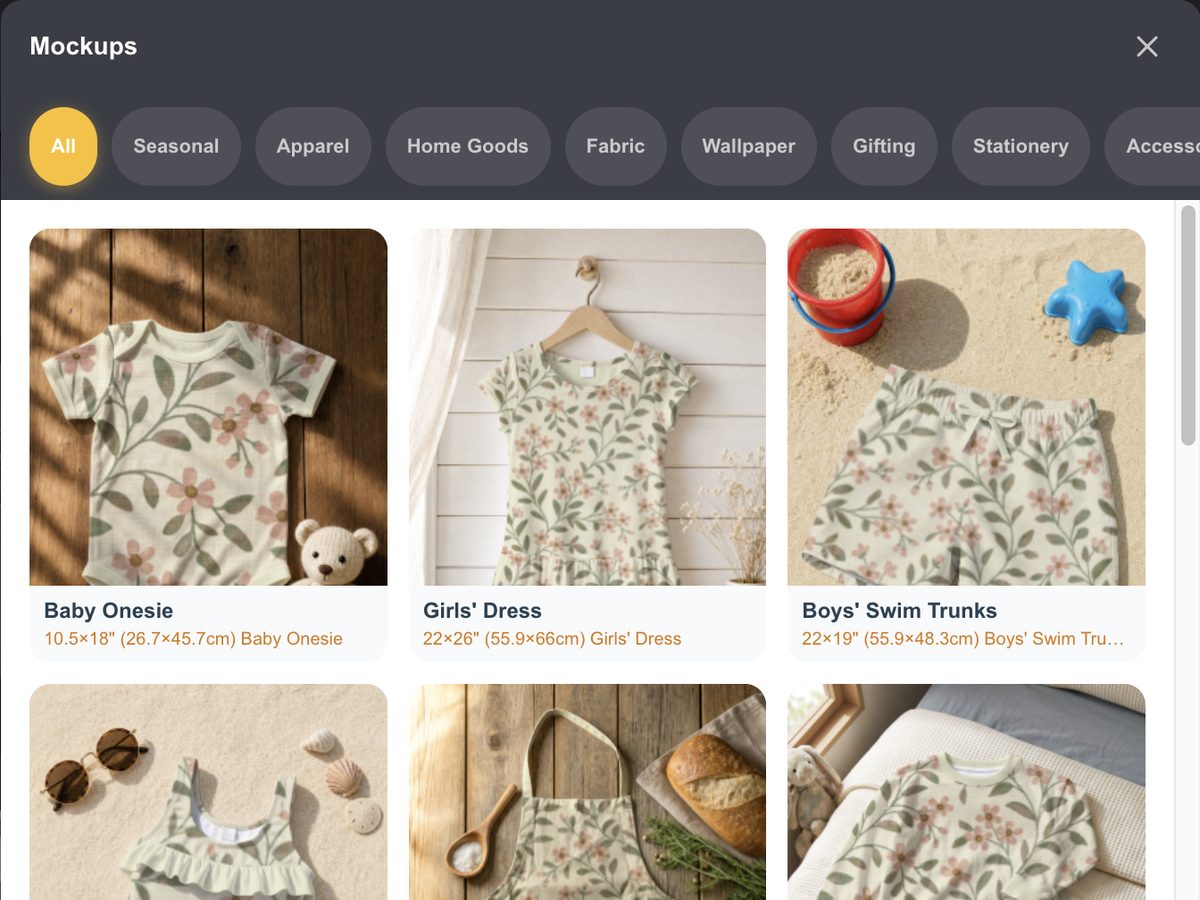
44 product mockups, including 15 seasonal scenes. Load two or more patterns and mix them. Hero on the duvet, blender on the pillows.
Sell it as digital paper.
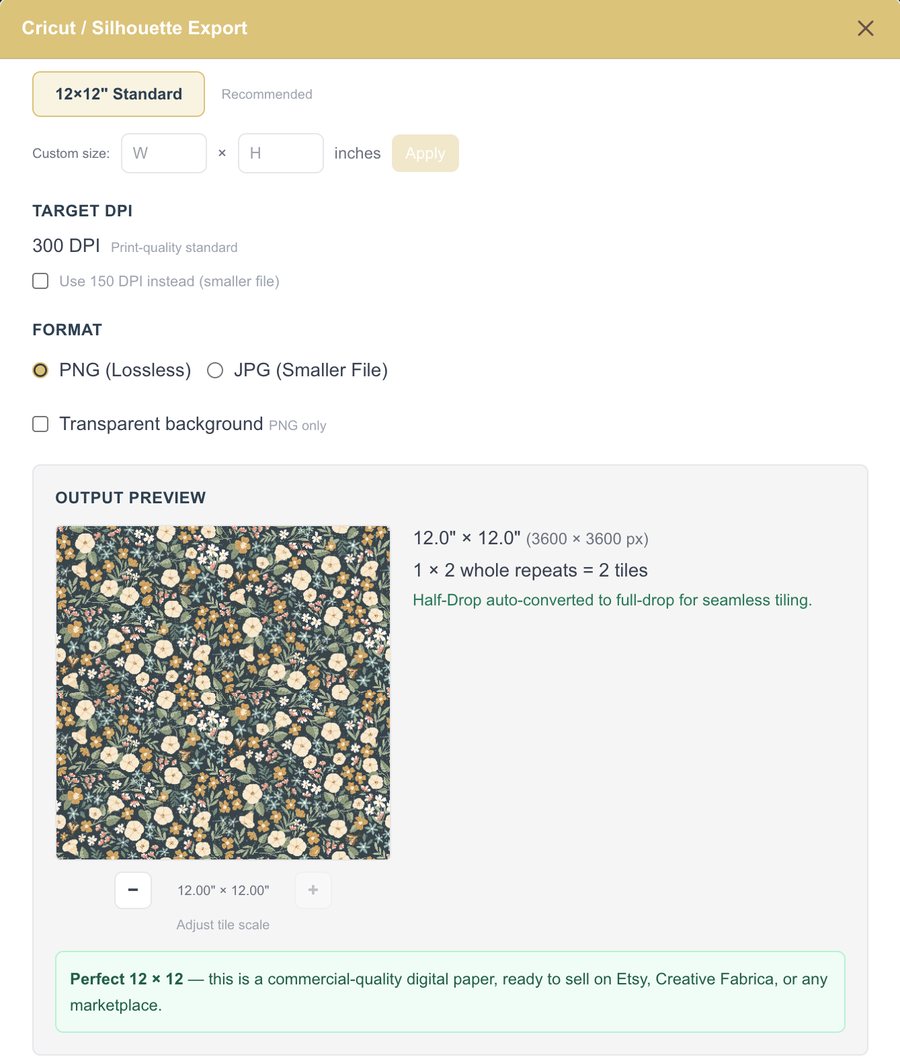
Export a 12 x 12 digital paper at 300 DPI, ready to sell. Save it as a transparent PNG.
Size it for social.
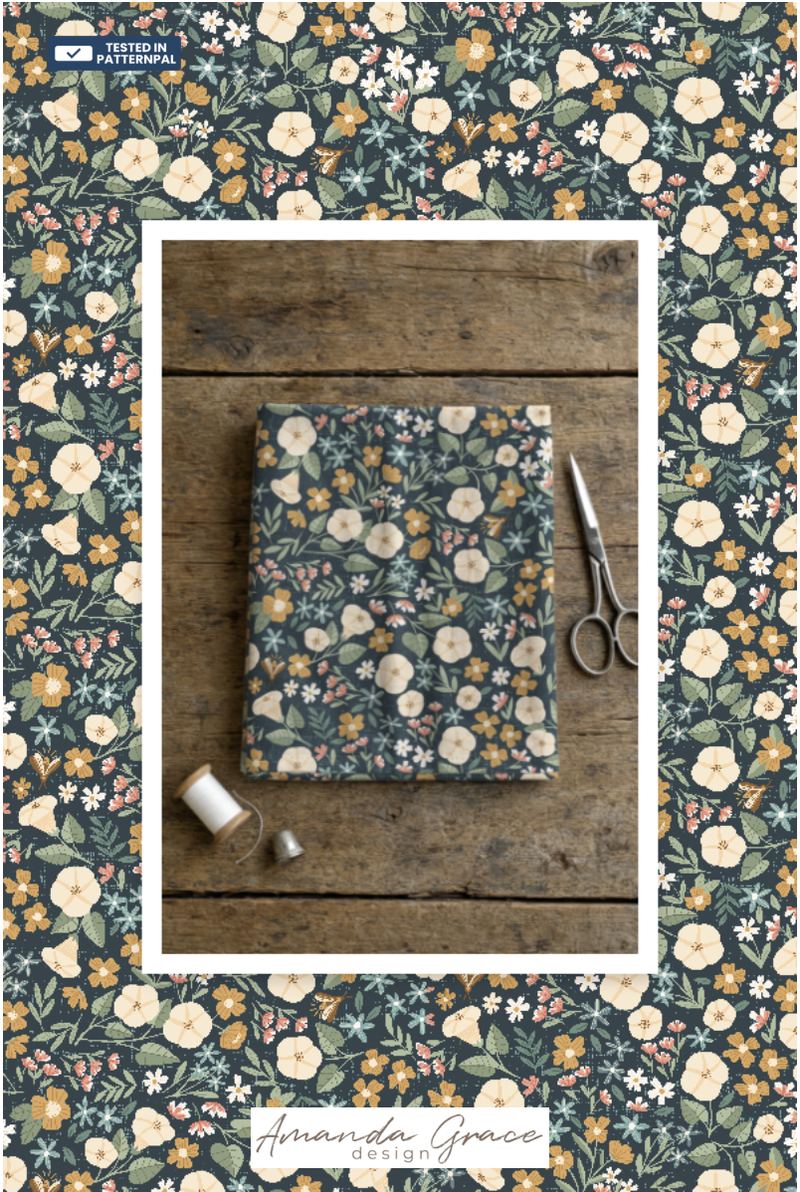
Export for Instagram posts, Stories and Reels, Pinterest Pins and Facebook covers. Add your logo or a collection banner and it's ready to post.
Let's say it's a 12-piece holiday collection
It's headed to Spoonflower and a print-on-demand shop.
That used to be twelve uploads and twelve exports.
Now it's one upload, one zip, and a Christmas stocking to show it off.
The old way
Twelve uploads. Twelve rounds of resizing. Twelve exports. Mockups in a whole other app.
With PatternPAL Pro
One upload. Every size in one zip. Your collection on a Christmas stocking the same afternoon.
No AI touches your patterns. Ever.
Your artwork is never uploaded. The tiling, the sizing, the mockups and the analysis all happen right in your browser.
You make the art. PatternPAL gets it out the door.
Free is free. Pro is the whole collection.
Free account
- Repeat testing in full drop, half drop and half brick
- One pattern at a time
- EasyScale at 8" and 12", 150 DPI, JPG
- 4 product mockups
- Social media export in 1 size
PatternPAL Pro
- Whole collections at once
- EasyScale at 8+ sizes, 150 or 300 DPI, PNG, JPG or TIFF
- All 44 mockups, including seasonal, plus mix-and-match
- Seam Inspector, up to 800%
- Pattern Analysis
- Digital paper, ready to sell
- Every social media size: posts, Stories, Reels, Pins and covers
- Your logo on your images
Straight talk about the trial
- Yes, it takes a card.
- If you don't cancel within 3 days, it becomes $7.99 a month (or the yearly plan, if you pick that one).
- Set a reminder on your phone for day 2 so you decide on purpose.
- Cancel anytime from Manage Subscription inside the app.
The Adobe plus Placeit plus Canva stack you're paying about fifty-three dollars a month for is doing exactly this, badly. PatternPAL Pro is 7.99.
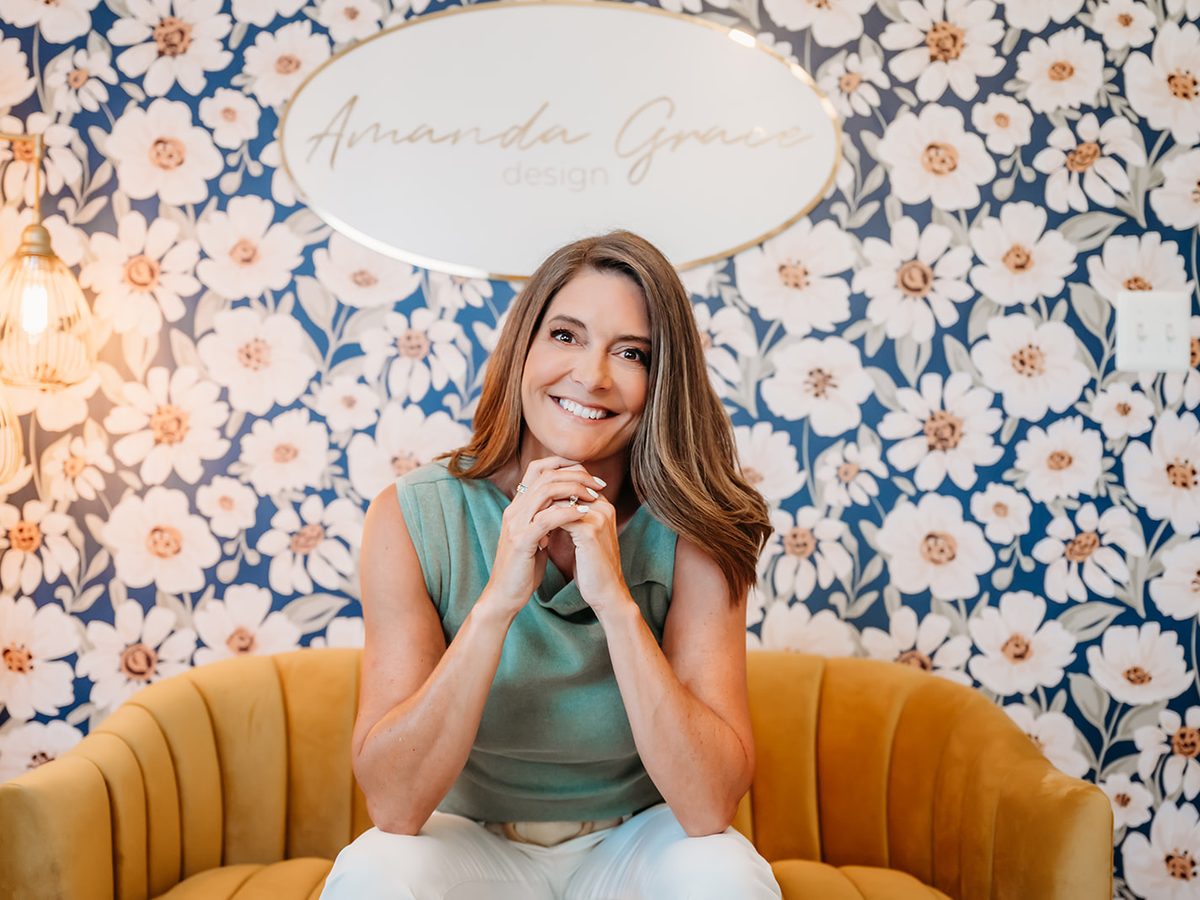
Built by a designer who was tired of the prep
I'm Mandy Corcoran. I spent years licensing patterns to brands like HomeGoods and Nordstrom Rack, so I know exactly what happens after the art is done.
I'm not a tech bro teaching artists. I'm an artist who taught tech for 25 years.
So I built the tool I wished I'd had.
Quick answers
Does it work on iPad?
Yes, in your browser. It works on a computer too. It's not a phone app. (iPads cap the very largest 300 DPI sizes, and the app tells you when you hit that.)
Does my art get uploaded anywhere?
No. It never leaves your browser.
Is there AI in it?
No AI touches your patterns. Ever.
What happens after 3 days?
It becomes $7.99 a month unless you cancel before then.
Can I just stay free?
Yes. A free account keeps repeat testing, no card needed.
Which repeats does it handle?
Full drop, half drop and half brick.
Your next collection doesn't have to eat a Saturday
Start my 3-day free trialCard required for the trial. Cancel anytime from Manage Subscription.